Ship only what you use
Beyond a lightweight core, engine features come as packages. Each project adds the ones it needs from the package manager, with minimal dependencies between them, so there's less to build, ship and maintain.
 Plasma Technology
Talk to us
Plasma Technology
Talk to us
Private beta, version 0.9.0
Plasma is a modular C++ game engine with modern rendering, physics and audio in a core that's easy to change. It's built by Plasma Technology, so when your project needs a new feature, an integration or a port, the people who wrote the engine can do it with you.
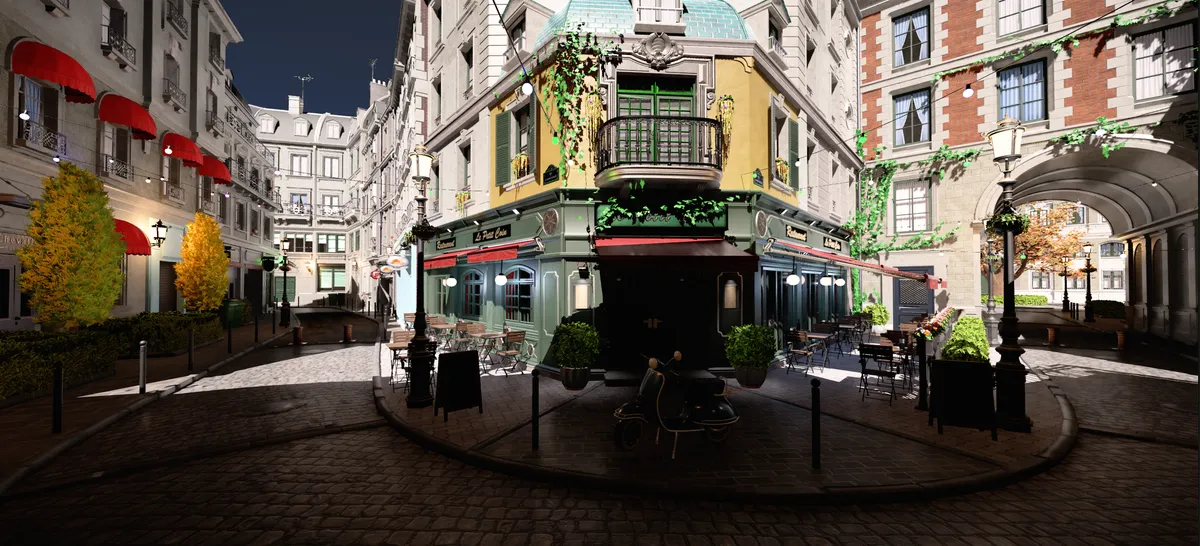
Owning your technology shouldn't mean building an engine from scratch. Plasma gives you a modern foundation you can shape to your game.
Beyond a lightweight core, engine features come as packages. Each project adds the ones it needs from the package manager, with minimal dependencies between them, so there's less to build, ship and maintain.
Write gameplay in C++, C#, AngelScript or Visual Script, and open C# in Visual Studio, Rider or VS Code. Programmers and designers can each use the tool that suits them.
Multithreaded rendering on Vulkan and DirectX 12, with ReSTIR lighting, ray-traced and hybrid global illumination, virtual shadow maps and meshlet rendering.
Plasma integrates libraries that studios already trust, like Jolt Physics, FMOD Studio and OpenXR, instead of reinventing them. Your team spends less time learning and you take on less technical risk.
Plasma Technology develops the engine and works on games. We can add the features your project needs, integrate your existing tools, port to new platforms, or join your team as extra developers.
Screenshots from the engine and its test scenes.
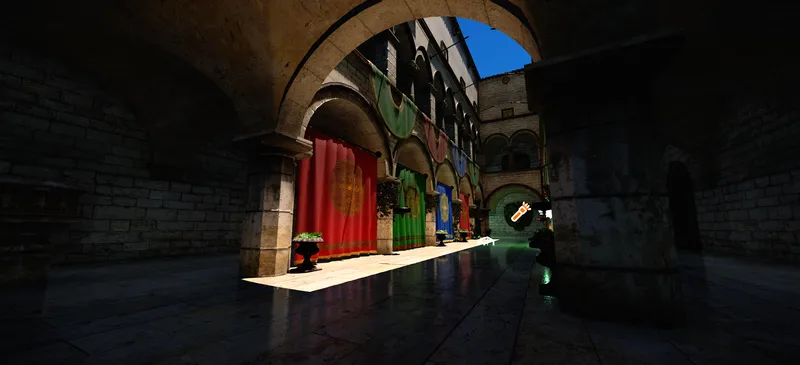
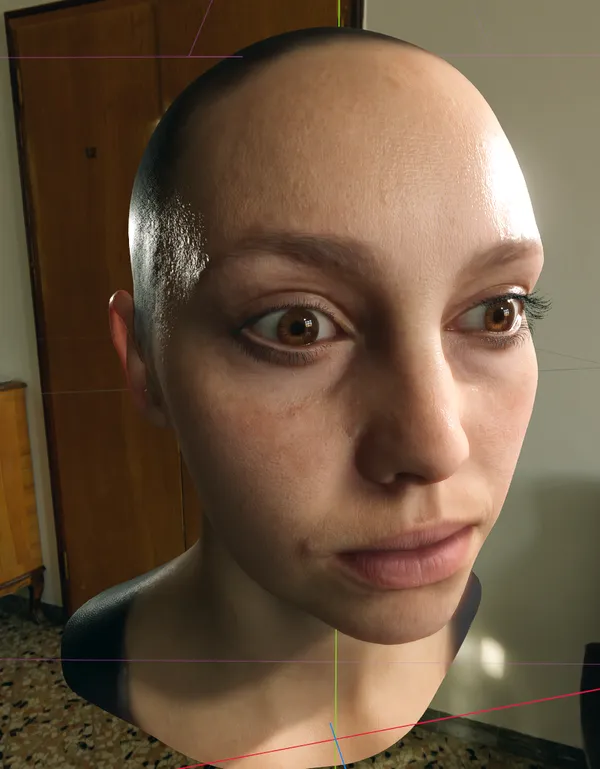
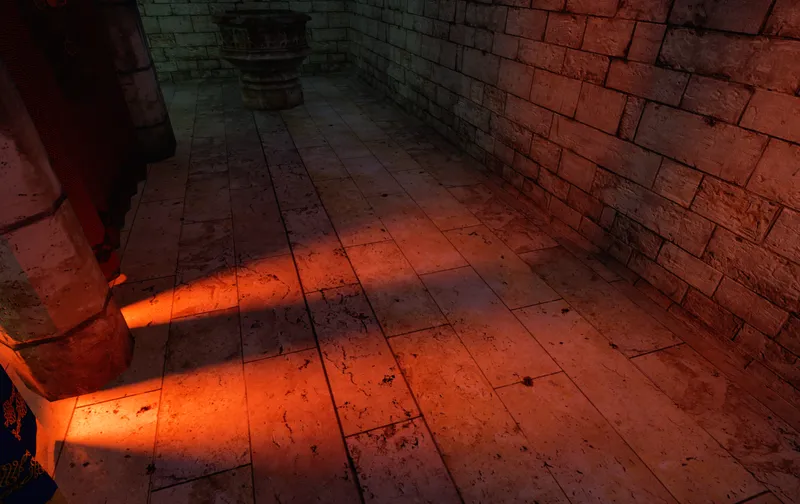
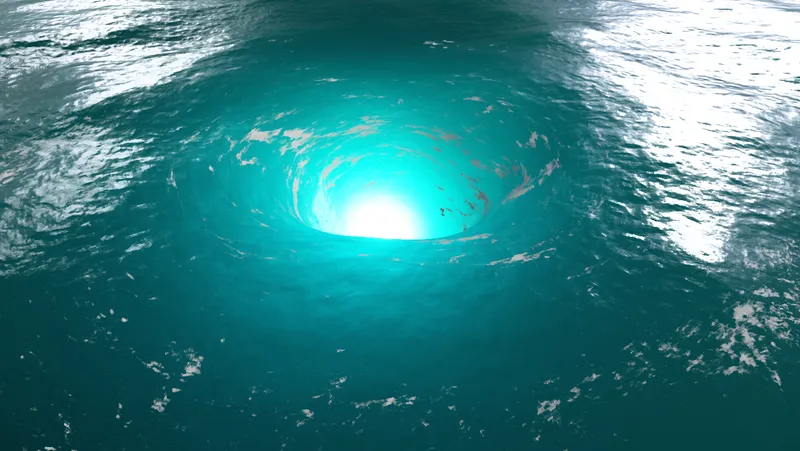
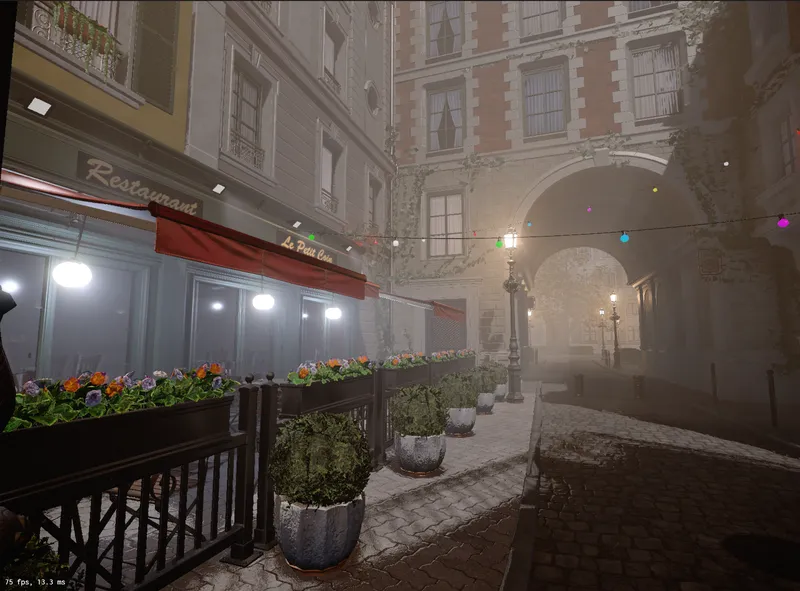
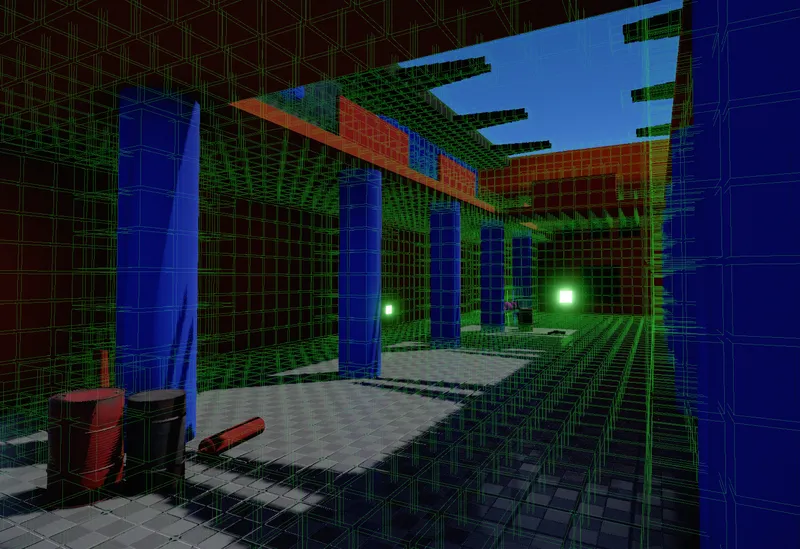
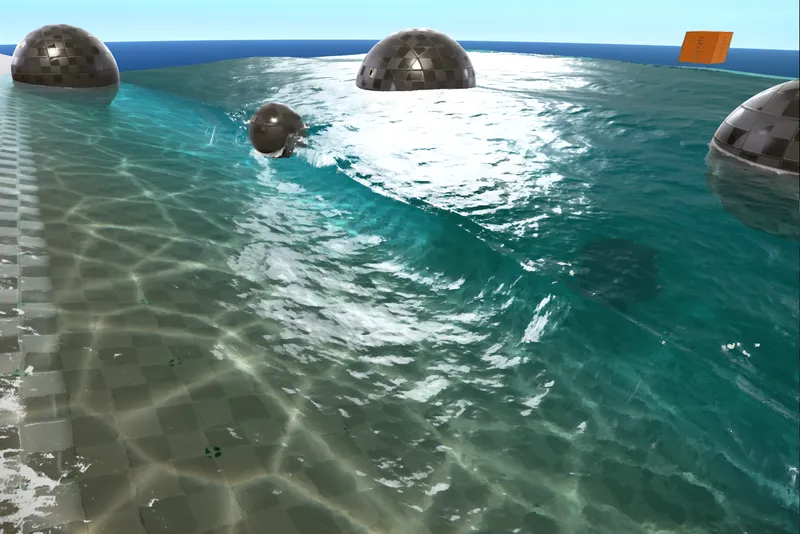
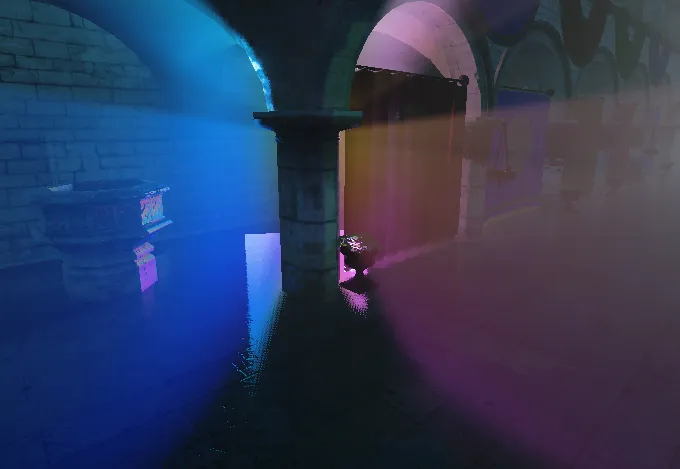
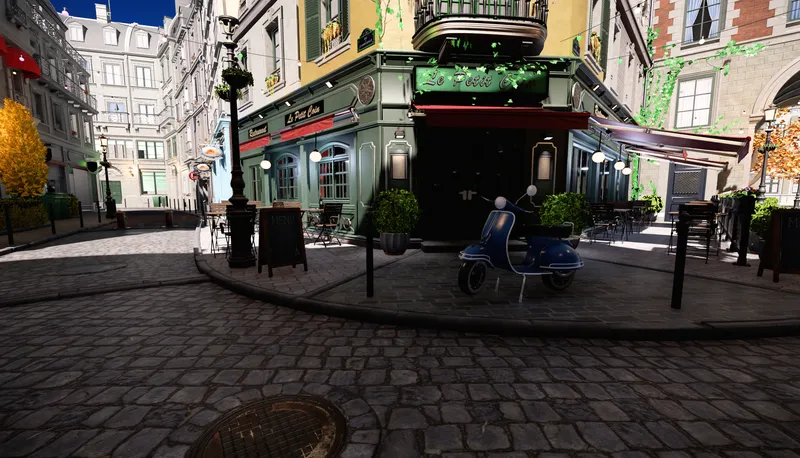
Your team creates and changes every asset in the game in one place, and sees the result straight away.
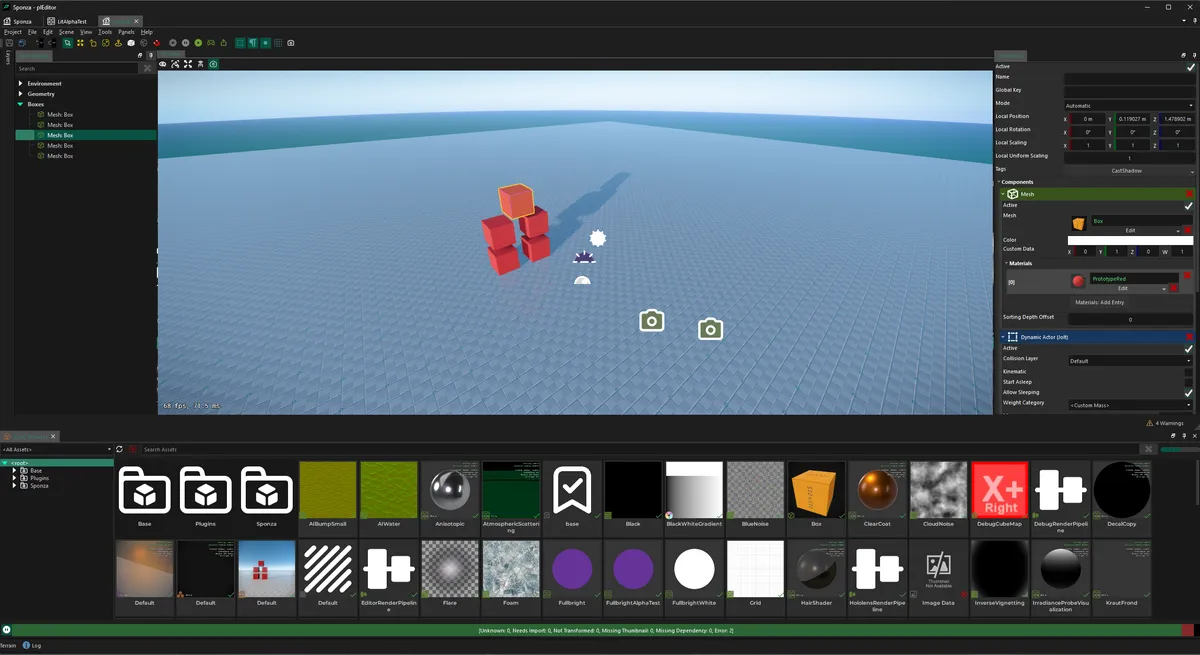
An overview of the main systems. The full feature list and documentation go into detail.
Plasma is in private beta. Version 0.9.0, released on 13 September 2026, added a DirectX 12 backend, new lighting and atmospheric rendering, and more of the systems a project needs to go from a scene to a playable game.
Read the 0.9.0 release notes Browse the documentation Engine news
Tell us what you're working on and we'll email you about joining. The documentation is open to everyone in the meantime.
Install through the Plasma Launcher and try the samples, including the Brick Breaker templates built in each scripting language.
Talk to us about your game, your platforms and your team. We'll work out what Plasma covers today and where we can help.
Tell us about your project and we'll answer your questions about the engine, the beta, and how we can support your team.